Fordel Studios
I have been shipping production code with both tools since October 2025. Not toy projects. Real client work, real deadlines, real consequences. Here is what six months taught me that no YouTube review will tell you.
What does Cursor actually do well?
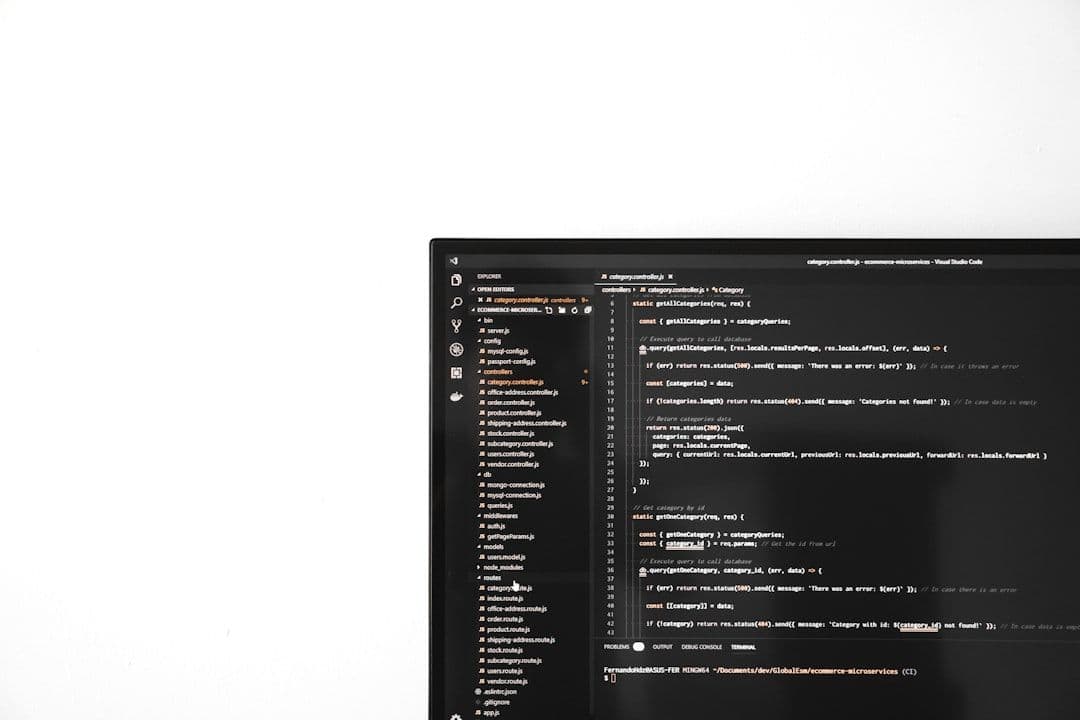
Cursor is VS Code with an AI copilot baked into every interaction. Tab-complete on steroids. Cmd+K inline edits. A chat panel that can see your open files. It feels familiar because it is familiar. You already know how to use it the moment you install it.
Where Cursor genuinely shines is precision editing. You highlight a function, describe what you want, and it rewrites just that function. The context window is scoped to what you are looking at. The autocomplete is fast enough that it disappears into your workflow. For the kind of work where you know exactly which file needs to change and roughly how, Cursor is hard to beat.
Cursor also has Composer mode for multi-file edits, and it has improved significantly since launch. But Composer still works file-by-file. It does not reason about your architecture. It does not run your tests. It generates diffs and hopes you review them.
What does Claude Code actually do differently?
Claude Code is not an IDE. It is a terminal-native agent that reads your codebase, plans changes across files, executes shell commands, runs tests, and iterates on failures. You describe what you want in natural language and it works autonomously until the task is done or it gets stuck.
The mental model is completely different. With Cursor, you are the driver and AI is the assistant. With Claude Code, you are the architect and AI is the builder. You describe the outcome, it figures out the files, the order of operations, the edge cases. When it breaks a test, it reads the error and fixes it before you even notice.
This is not marketing language. I have watched Claude Code refactor a NestJS service across 14 files, update the corresponding tests, fix two import paths it broke, and commit the result. In one session. With one prompt. That workflow in Cursor would have taken me an hour of manual orchestration across tabs.
How do they actually compare?
| Dimension | Cursor | Claude Code |
|---|---|---|
| Primary interface | VS Code fork (GUI) | Terminal agent (CLI) |
| Edit scope | Single file / Composer multi-file | Full codebase, multi-file by default |
| Autocomplete | Excellent, fast, context-aware | None (not an editor) |
| Autonomous execution | No (generates diffs) | Yes (runs commands, tests, iterates) |
| Architecture reasoning | Limited to open files | Reads full project structure |
| Test integration | Manual | Runs and fixes tests in-loop |
| Learning curve | Instant (it is VS Code) | Moderate (terminal + trust) |
| Pricing model | $20/mo flat (Pro) | Usage-based via API or Max plan |
| Best for | Daily coding, precise edits | Features, refactors, complex tasks |
| Worst at | Multi-file architectural changes | Small tweaks, quick edits |
Is Cursor still worth it in 2026?
Yes, but not for the reasons Anysphere markets it. Cursor is worth it as your daily driver editor with very good autocomplete. The tab predictions save real time. The inline Cmd+K edits are faster than typing the change yourself for small modifications. If your work is mostly maintaining existing code, fixing bugs, and making targeted changes, Cursor is the right tool.
Where Cursor falls short is ambition. Composer tries to be agentic but it cannot run your build. It cannot execute tests. It cannot recover from its own mistakes. Every time Composer generates a multi-file change, you are the one who has to verify nothing broke. That verification loop is the bottleneck Cursor has not solved.
“Cursor makes you faster at the work you already know how to do. Claude Code makes work possible that you would not have attempted.”
When should you use Claude Code instead?
Use Claude Code when the task spans more than three files or requires understanding how your codebase fits together. Feature implementation. Refactoring a module. Migrating an API. Adding a new Sanity schema with its corresponding page, component, and types. These are the tasks where Claude Code saves hours, not minutes.
The trust problem is real though. Watching an AI agent modify 14 files in your codebase is nerve-wracking the first few times. You need good git hygiene. You need to work on branches. You need to review diffs before pushing. But once you build that discipline, the speed advantage is enormous.
Claude Code also handles CLAUDE.md project context files, which means it learns your conventions, your file structure, your testing patterns. After initial setup, it writes code that looks like your code, not generic AI slop. Cursor has .cursorrules but the implementation is shallower.
- Building a new feature end-to-end across multiple files
- Refactoring a module while keeping tests green
- Migrating APIs, schemas, or data structures
- Complex debugging that requires reading stack traces and iterating
- Any task where you would normally context-switch across 5+ files
- Quick bug fixes in a single file
- Writing code where you want inline autocomplete
- Reviewing and understanding unfamiliar code
- Small CSS/styling tweaks and UI adjustments
- Pair-programming style development where you drive
What about cost?
Cursor Pro is $20 a month. Predictable, flat, simple. Claude Code on the Max plan is $100 or $200 a month depending on tier, or you can use API credits at roughly $0.04 to $0.12 per task depending on complexity. For a team that ships features daily, Claude Code costs more but the ROI math is not even close. A single multi-file feature that would take three hours of manual orchestration in Cursor gets done in 15 minutes.
If you are cost-conscious and your work is mostly single-file edits, Cursor at $20 is excellent value. If your bottleneck is architectural complexity and you are spending hours on multi-file changes, Claude Code pays for itself inside the first week.
What is the final verdict?
Stop asking which one is better. Ask which one matches your work.
If you spend most of your day in a single file, writing functions, fixing bugs, tweaking UI, use Cursor. The autocomplete alone justifies the $20. The inline edits are fast and precise. It is the best AI-enhanced editor available.
If you spend most of your day orchestrating changes across files, building features, refactoring systems, or debugging complex interactions, use Claude Code. It is not an editor. It is an engineering agent. The fact that it runs in a terminal is a feature, not a limitation, because it means it can also run your tests, your builds, and your deploy scripts.
At Fordel, we use both. Cursor is open all day for the small stuff. Claude Code gets invoked for anything that touches more than two files or requires reasoning about architecture. That combination has made us measurably faster than using either tool alone.
The real question is not Cursor versus Claude Code. It is whether you are still coding without either of them. Because your competitor is not.